How to Fix the “ERR_ADDRESS_UNREACHABLE” Error
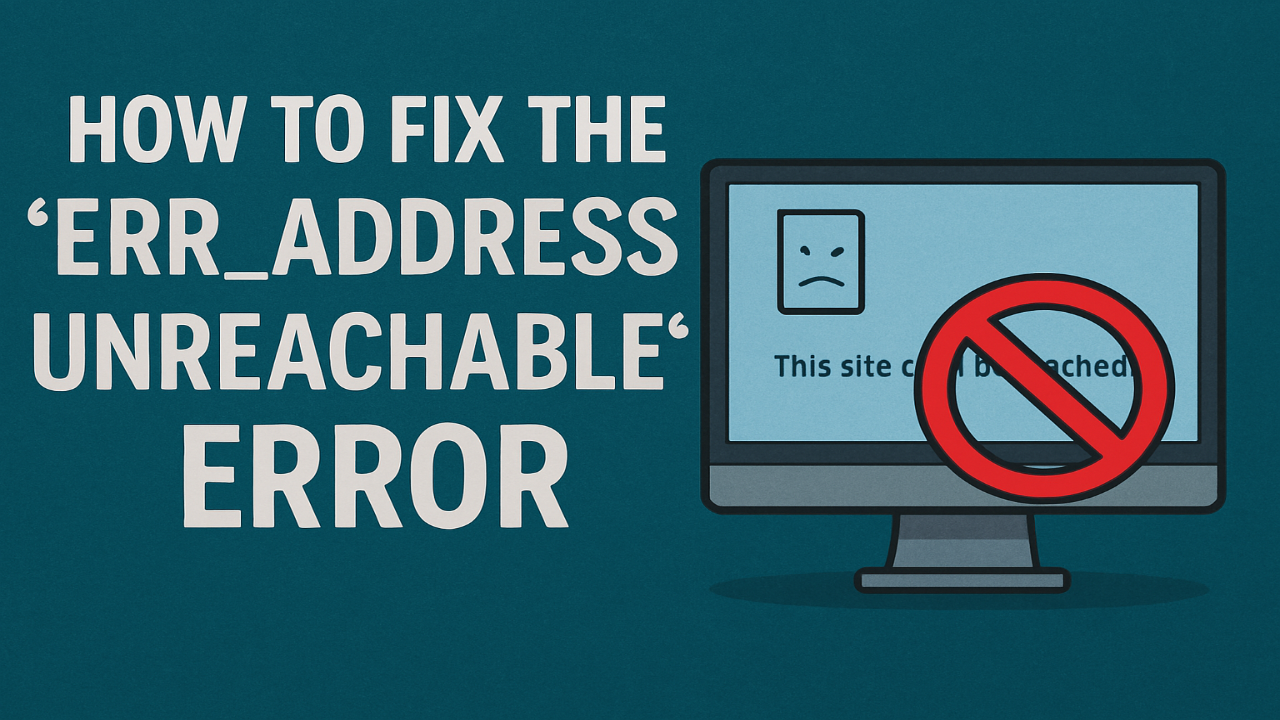
Encountering the “ERR_ADDRESS_UNREACHABLE” error can be frustrating, especially when you’re trying to browse the web and suddenly hit a roadblock. This error typically appears in Google Chrome and means your browser can’t connect to the server at the address you’re trying to reach. But don’t worry – this problem is more common than you think, and it’s something you can fix quickly with a few simple steps.
What is the “ERR_ADDRESS_UNREACHABLE” Error?
The “ERR_ADDRESS_UNREACHABLE” error occurs when your browser is unable to reach the server that hosts the website you’re trying to visit. This can be caused by several factors, such as issues with your internet connection, incorrect DNS settings, or problems with the website itself.
Common Causes of the Error
Several factors can lead to this error message:
- Internet Connection Problems: If your internet is unstable or disconnected, your browser might not be able to load the website.
- DNS Configuration Issues: Incorrect DNS settings on your device or network can prevent websites from loading properly.
- Firewall or Antivirus Interference: Sometimes, security software can block access to certain websites, causing the error.
- Server-Side Issues: The website you’re trying to visit might be down or experiencing technical difficulties.
How to Fix “ERR_ADDRESS_UNREACHABLE”
There are a few effective solutions to resolve the “ERR_ADDRESS_UNREACHABLE” error. Here’s what you can try:
- Check Your Internet Connection: Make sure you’re connected to the internet. Try visiting other websites to ensure your connection is working.
- Clear Your Browser Cache: Sometimes, old or corrupted cache data can cause issues. Clearing your browser’s cache can help fix the problem.
- Restart Your Router: If your connection is unstable, a simple restart of your router can often solve the issue.
- Change DNS Servers: Try switching to a different DNS server, like Google DNS or OpenDNS, to see if that resolves the issue.
- Disable Firewall or Antivirus Temporarily: Turn off your firewall or antivirus software for a brief period to check if it’s blocking access to websites.
- Check the Website Status: If the error only happens with a particular site, it might be down. Use a tool like “Down For Everyone Or Just Me” to check the website’s status.
When to Seek Help
If none of these solutions work, the issue could be related to something more technical, such as network configurations or server-side problems. In such cases, contacting your ISP or the website’s support team might be necessary.
Conclusion
The “ERR_ADDRESS_UNREACHABLE” error can be caused by a variety of issues, but most of them are easy to fix. Whether it’s a connection problem, DNS settings, or an issue with your security software, these steps should help get you back on track quickly. If the problem persists, don’t hesitate to get in touch with a technical support professional for further assistance.